
Launch offer ₹399 ₹1,999 80% off · ends 31 Dec 2026, 11:59 pm IST --days--hrs--min--sec
Get the recipe book · ₹399
For new creators, small businesses and students

Edit a clear, watchable phone video in one hour, even if you have never edited before

50 step-by-step editing recipes for VN and InShot, a timed beginner routine and a 4-sheet workbook that take you from a gallery full of clips to a finished Reel, Short or WhatsApp video.

  • Cut the dead seconds, move your best moment to the start and remove every stumble
  • Add captions people can read on mute, music at the right level and text that app buttons do not cover
  • Fix dull colour and export at the right size for Reels, Shorts and WhatsApp
Get the recipe book · ₹399 ₹1,999 Save ₹1,600
Launch offer ends 31 Dec. One payment.
  • UPI · cards · netbanking
  • GST invoice
  • Download in under a minute
3files · PDF · XLSX
10,000+bonus ebooks, free
7 daysto download, yours to keep
₹399 ₹1,999once · GST included
See it work

See a recipe

Recipe 13, the hook line, used by a fictional home baker in Nagpur for a Christmas cake video.

A worked example written for this page. Your footage and timings will differ.

Editcut · prompt → result
You paste

Footage: 14 clips, 6 minutes in total, of a plum cake being mixed, baked and sliced. Hook: one short, true line about what makes this cake different, placed on the first frame. Goal: a 30-second Reel that ends with a WhatsApp order line.

The AI answers

Rough cut: slicing shot moved to 0:00, the most interesting moment first (recipe 6)

Hook text at 0:00 for 2.5 seconds, upper middle, bold: Christmas plum cake, soaked for 3 weeks

Mixing clip split out, set to speed 3.0 and muted, music underneath (recipes 7 and 19)

Batter pour kept at normal speed because it looks good; oven shot trimmed to 2 seconds

Label over the batter shot: Half kg and 1 kg (recipe 15)

Last 2 seconds: Message CAKE on WhatsApp to order, inside the safe zone (recipes 12 and 17)

Result: 31 seconds from 6 minutes of footage, exported at 1080p and 30 fps (recipe 43)

Sound familiar?

You have the clips. The edit is where it stops.

01

Two hours in and nothing to post

You open the app with forty clips and no plan, try every filter and transition, and close it at midnight with a draft you do not like.

02

It looks fine to you and loses everyone else

A slow start, music louder than your voice, captions hidden under the like button. Small things, and each one sends a viewer scrolling on.

03

Tutorials show tricks, not a finished video

Every video teaches one flashy effect. Nobody shows the plain order of work: cut, sound, text, colour, export, check.

Editing is a short list of choices, made in the right order. You can learn that order in an evening.

Why this matters

From fourteen clips to thirty-one seconds

Picture a home baker in Nagpur in December. She has filmed her Christmas plum cake from mixing bowl to first slice: fourteen clips, six minutes of footage. She has posted photos for years, but every time she opens an editing app she gets lost and gives up.

The problem is not the app. It is that she starts with filters and fonts, before she has decided what the video is. Every change she makes gets undone when she cuts a clip, and after an hour she has nothing finished.

So she tries a different order. Five minutes to set up the project. Fifteen minutes to cut: the slicing shot moves to the start, the mixing is sped up, the dull clips go. Then sound, then a hook line and an order line, then a quick colour fix, then export. Thirty-one seconds, clear from first frame to last.

Nothing about it is clever. It is simply finished, in an hour, and the next one will be quicker. That order of work is what this kit teaches.

The way out

Three steps, the same for every video

The Editcut routine keeps you working in an order where nothing gets undone. You decide what the video is before you decorate it.

  1. 01

    Plan the shots

    Use the Shot list sheet to plan a hook shot, three to five middle shots and an ending before you film. Ten minutes of planning saves an hour of editing.

  2. 02

    Edit with the one-hour routine

    Rough cut, sound, text, colour, export, each with a time limit and the recipe numbers to use, so you finish instead of polishing one part.

  3. 03

    Check, post and log

    Run the 20-point Edit checklist before export, then log each post a week later to learn which videos your audience actually saves and shares.

What you will understand

The thinking behind it

Five ideas from the guide. They help even if you never buy anything.

I

Editing is choosing, not decorating

You have more footage than anyone wants to watch. The job is to keep the few seconds that matter and put them in an order that makes sense.

II

Show the best moment first

People decide quickly whether to keep watching. Open with the result or the reveal, and leave greetings and logos out.

III

Cut first, colour last

Filters and fonts added early get undone when you cut. Do the rough cut and sound first, then text, then colour.

IV

Make it work on mute

Many people watch with the sound off on buses and at work. Captions and on-screen text carry the message when sound cannot.

V

One action at the end

Save, message, book or follow. Ask for one thing, clearly, and make sure it is possible: the link exists, the number is correct.

What you get

What is inside

Three files that work together: the recipes show each step, the guide gives you the order of work, the workbook keeps your videos planned and checked.

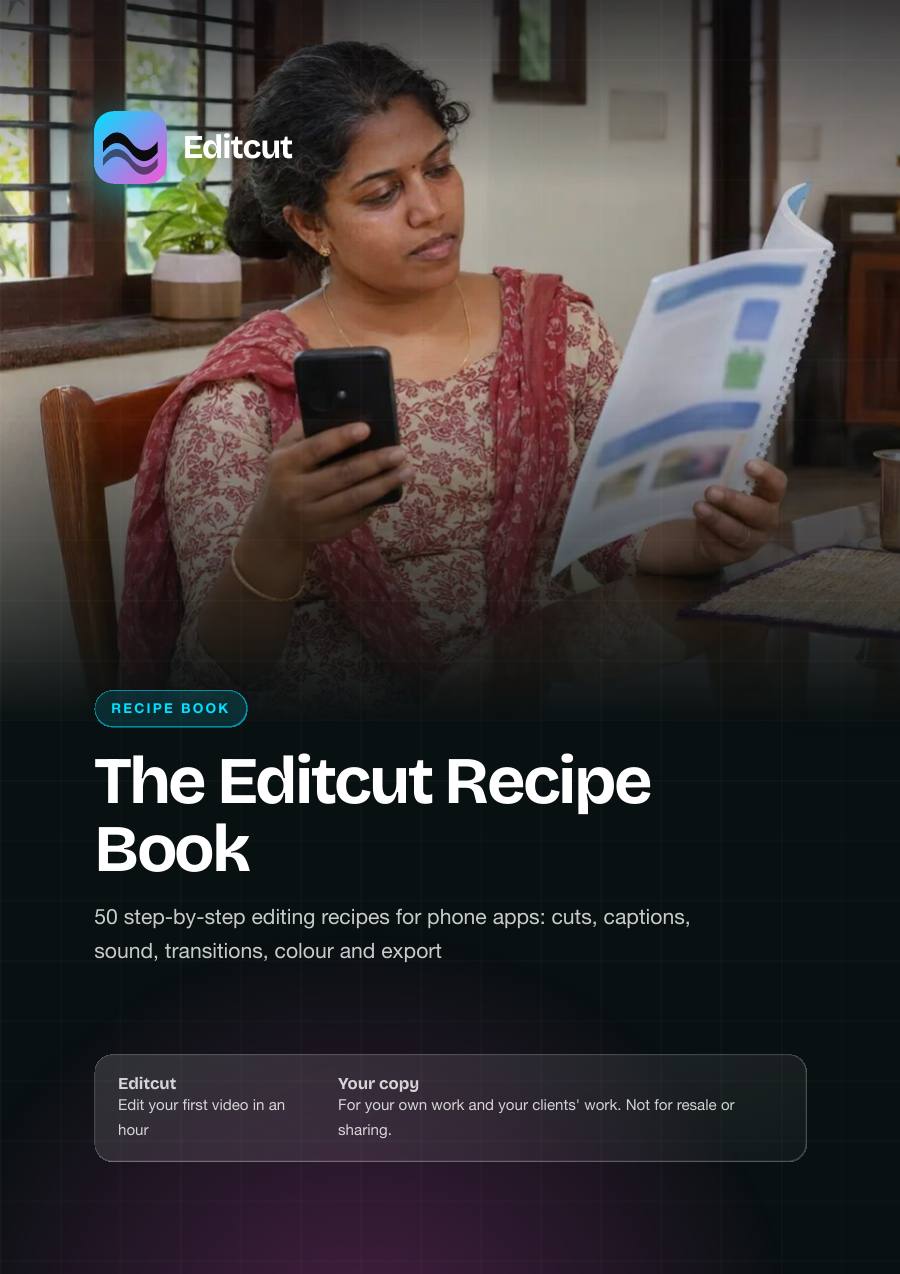
The Editcut Recipe Book

The Editcut Recipe Book

Each recipe does one editing job in a few minutes, with numbered steps for VN and InShot and a check to know it worked. Keep it open beside you while you edit.

  • 50 recipes in 6 chapters: cuts, captions, sound, transitions, colour, export
  • Trims, splits, punch-ins, speed and curve speed for slow motion
  • Captions that read well on a small screen, safe zones and Hindi or regional text
  • Licensed music, sound levels, voice-overs and cutting to the beat
  • Colour fixes and honest before and after videos
  • Copy cards with hook lines, labels, calls to action and post captions
Format
PDF
Files
1
Size
803 KB
Course
1 slide lesson, open for a year
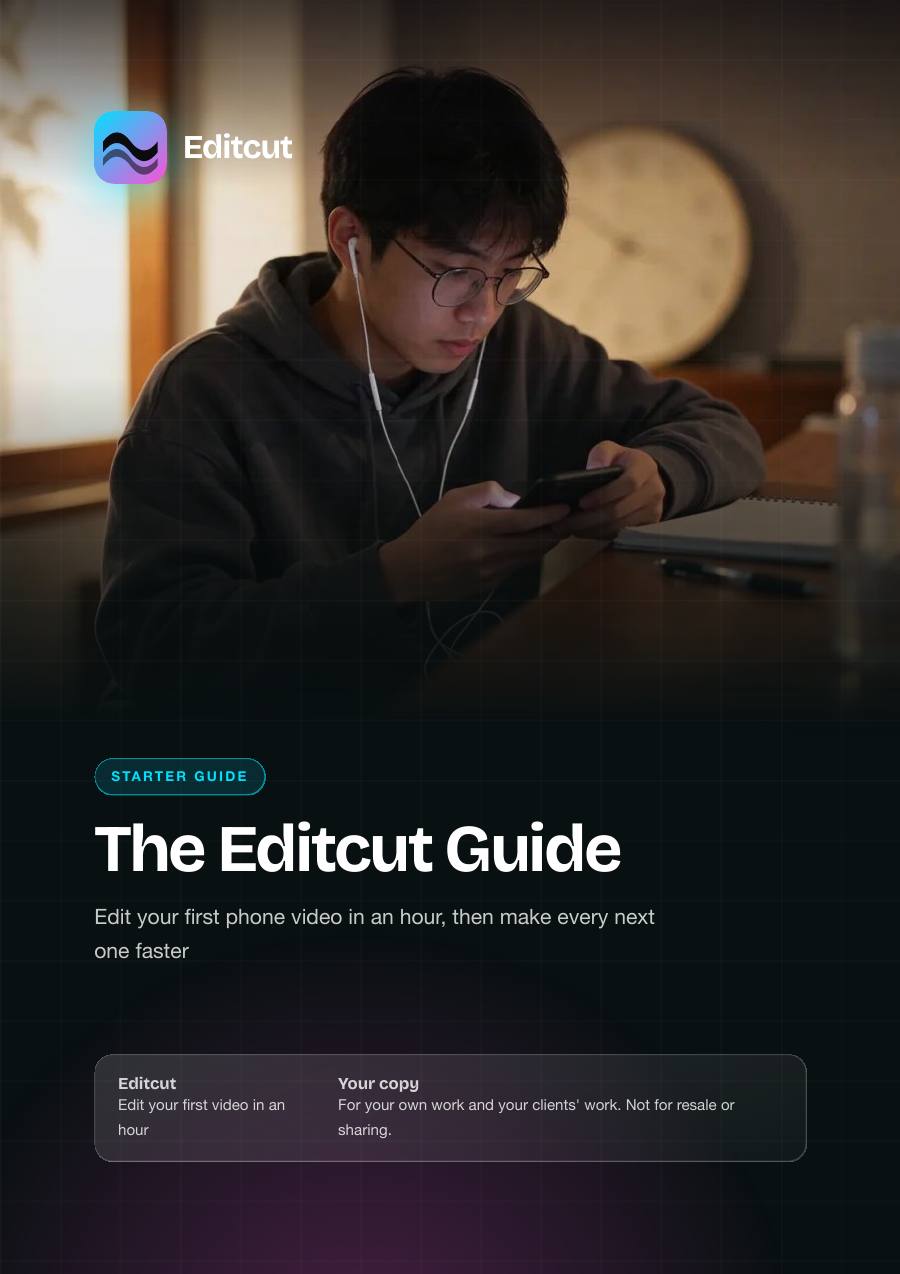
Edit Your First Video in an Hour

Edit Your First Video in an Hour

The method in plain words: a timed one-hour routine for your first video, the decisions behind a good edit, and how to get faster after that.

  • The one-hour routine in six timed blocks, with recipe numbers
  • A worked example from 14 clips to a 31-second video
  • The five decisions that make an edit good
  • Nine common mistakes and the fix for each
  • How to edit talking, process, product, place and student videos
  • A weekly routine for small businesses and a suggested first week
Format
PDF
Files
1
Size
552 KB
Course
1 slide lesson, open for a year
The Editcut Workbook

The Editcut Workbook

A spreadsheet with four tabs that opens in Excel or Google Sheets. Example rows show how each sheet should look before you fill your own.

  • Shot list with shot role, framing, takes, sound and the recipe to use
  • Edit checklist: 20 checks from setup to backup, with the reason for each
  • Posting log for views, watch time, saves, shares and messages
  • Export settings for Reels, Shorts, WhatsApp, Facebook and YouTube
Format
Spreadsheet
Files
1
Size
13 KB
A look inside

From gallery to posted video in one sitting

Open your editing app, set the timer for an hour and follow the routine block by block, looking up each recipe number as you reach it.

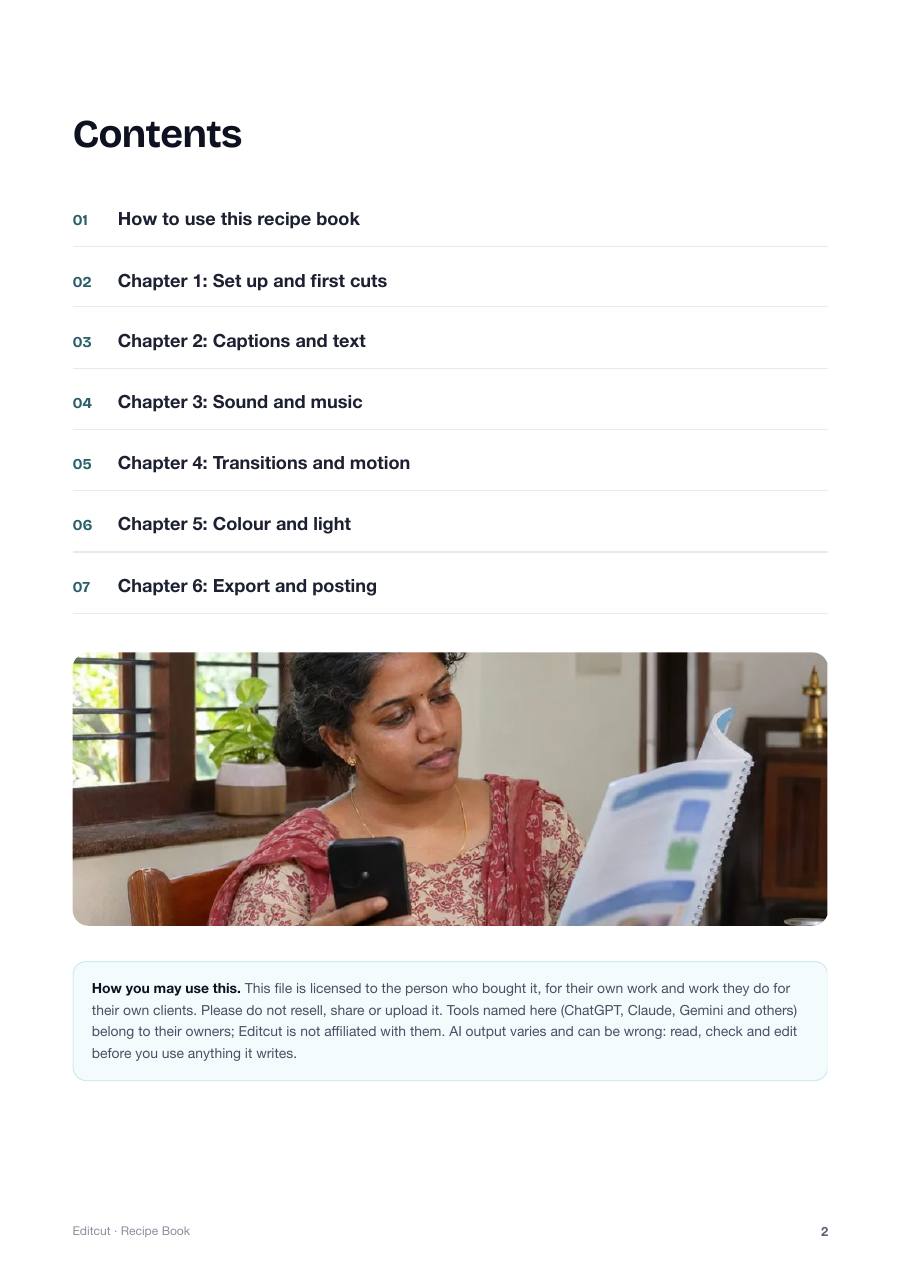
The Editcut Recipe Book
Rough cut: trim, split and move the best moment firstThe Editcut Recipe Book
The Editcut Recipe Book
Add sound, captions and one call to actionThe Editcut Recipe Book
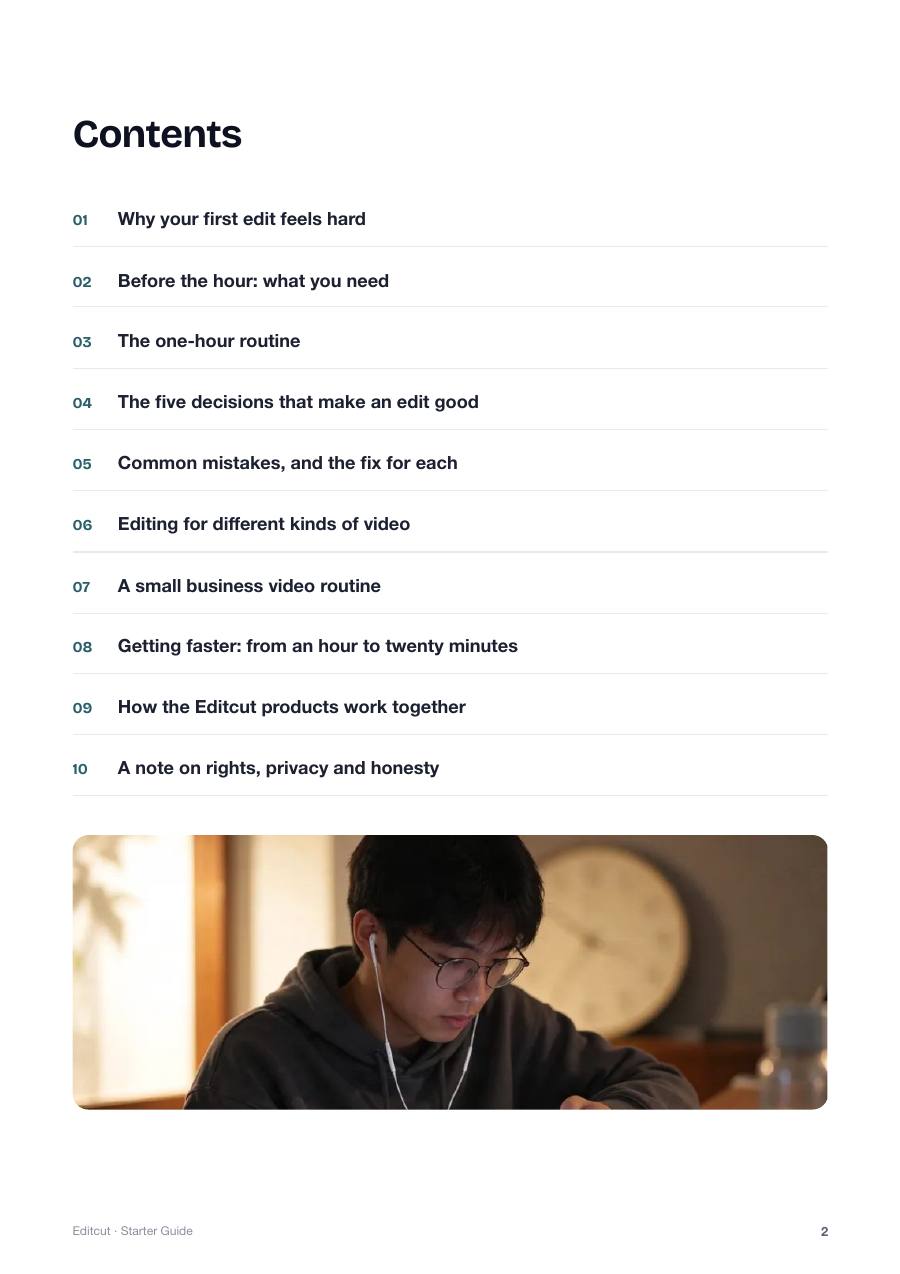
Edit Your First Video in an Hour
Fix colour, export at 1080p and run the checklistEdit Your First Video in an Hour
Edit Your First Video in an Hour
Edit Your First Video in an HourEdit Your First Video in an Hour
The Editcut Workbook
The Editcut WorkbookThe Editcut Workbook
The Editcut Workbook
The Editcut WorkbookThe Editcut Workbook

These are actual pages from the product, shown smaller. Swipe to see more.

Why people use it

What changes when you edit this way

You finish videos

The timed routine moves you from cut to export in an hour, so drafts stop piling up in the app.

Your opening holds attention

The best moment goes first and a true hook line tells the viewer why to stay.

People can hear you and read you

Music sits under your voice, captions are corrected word by word, and text stays clear of the app buttons.

Colour looks like real life

Simple adjust settings fix dull indoor clips without heavy filters, which matters for food, products and salon work.

Every export is the right size

9:16 from the start and 1080p at the end, with a separate setting for WhatsApp so text stays sharp.

You learn from your own posts

The posting log shows which of your videos people save, share and message about, so you make more of those.

Your win

Same clips, same phone, different video

Before

  • Every filter and transition tried, nothing finished
  • A greeting and a logo before anything happens
  • Music louder than the voice, no captions
  • Sideways footage with black bars and blurry text

With Editcut

  • A finished video in an hour, in a fixed order of work
  • The best moment in the first seconds with a true hook line
  • Voice clear over quiet music, every caption corrected
  • 9:16 from the start, 1080p export, text inside the safe zone
This is for you if
  • New creators who have filmed plenty but never finished an edit they liked
  • Shop owners, salons, cafes, tutors and home businesses who want to make their own short videos
  • Students making videos for projects, college fests, clubs or a first portfolio
  • Anyone who wants a clear method on a phone, not a laptop editing course
Not for you if
  • People looking for a promise of views, followers or sales
  • Professional editors who already work in desktop software
  • Anyone who wants to use film songs or other people's footage without permission
Bonus · free with every order

A library of 10,000+ ebooks, yours to download

Along with your Editcut files you get our bonus library: 10,000+ ebooks and ready-to-edit articles with resale rights, sorted by subject, from business and marketing to health, hobbies and self-growth.

  • Instant download links on your order page, the moment your payment is confirmed
  • Browse by subject, or take the whole library as ZIP files
  • No extra charge, with every option on this page
10,000+bonus ebooksFree with your order
Choose how far you go

Pick how much help you want with your phone videos

Every package includes the Editcut kit, a library of related products to choose from and three crash courses in English and Hindi. Prime adds the Cut Planner tool. Ultra Prime adds every Editcut product and all five tools. Every package runs for one year. The pack's launch price holds until 31 Dec, 11:59 pm IST.

Instant buy

The Editcut pack, yours to keep

₹399₹1,999

once · GST included

  • The Editcut Recipe Book
  • Edit Your First Video in an Hour
  • The Editcut Workbook
  • Bonus: 10,000+ ebooks
  • Download for 7 days
Get the pack · ₹399

Standard

The pack, a library to choose from and three crash courses

₹1,499+ GST

1 year · ₹1,768.82 with 18% GST

  • The Editcut pack (3 products)
  • Your own dashboard for 1 year
  • Library of 250 selected products: download any 10 free, no watermark
  • 3 crash courses, 20 minutes each, narrated in English or Hindi
  • More with Paytrols: 50 for an extra download (up to 50 more)
  • Bonus: 10,000+ ebooks
Get Standard · ₹1,499

Prime

More downloads and your first tool app

₹2,999+ GST

1 year · ₹3,538.82 with 18% GST

  • The Editcut pack (3 products)
  • Your own dashboard for 1 year
  • Library of 250 selected products: download any 25 free, no watermark
  • 3 crash courses, 20 minutes each, narrated in English or Hindi
  • Cut Planner tool app: list your clips or paste what you said. Get a timed edit plan for VN or InShot
  • 4 free tool runs a month
  • More with Paytrols: 50 for an extra download (up to 100 more), 200 for an extra tool run
  • Bonus: 10,000+ ebooks
Get Prime · ₹2,999
Everything, with all 5 tools

Ultra Prime

Every product and all 5 tool apps

₹3,999+ GST

1 year · ₹4,718.82 with 18% GST

  • All 4 Editcut products, kits included
  • Your own dashboard for 1 year
  • Library of 250 selected products: download any 50 free, no watermark
  • 3 crash courses, 20 minutes each, narrated in English or Hindi
  • All 5 tool apps: Cut Planner, Shoot Sheet, Post Ready, Views Ledger and Draft Inspector
  • 20 free tool runs a month across the tools
  • More with Paytrols: 50 for an extra download, any in the library, 200 for an extra tool run
  • Bonus: 10,000+ ebooks
Get Ultra Prime · ₹3,999

Standard, Prime and Ultra Prime run for 1 year, from payment. Package prices are before GST: 18% is added at checkout. Paytrols are loaded inside your dashboard from your own Paytrol Merchant Account (paytrol.net), where Paytrols are bought. A renewal costs the same as the first year and nothing renews by itself. When a package ends its dashboard closes, the tool apps with it; files you downloaded stay yours. Secure payment by Razorpay, GST invoice with every payment.

Crash courses · in every package

Three 20-minute crash courses in English and Hindi: Your first phone edit in one hour, Clear on mute: captions, text and sound, and Edit faster: a weekly video routine for your business.

  • Your first phone edit in one hour
    You will be able to turn a gallery of raw clips into a finished, watchable tall video in VN or InShot in one timed hour.
  • Clear on mute: captions, text and sound
    You will be able to add captions, on-screen text and music in VN or InShot so your video is understood with the sound off and sounds clean with it on.
  • Edit faster: a weekly video routine for your business
    You will be able to plan, film and edit three short videos a week for your shop or service with a template, and learn from your own numbers.
5 tool apps · one with Prime, all with Ultra Prime

Cut Planner, Shoot Sheet, Post Ready, Views Ledger and Draft Inspector plan the shoot and the edit, check the draft, handle export and captions, and read your post numbers.

  • Cut Planner · from Prime
    List your clips or paste what you said. Get a timed edit plan for VN or InShot.
  • Shoot Sheet
    Plan the shots before you press record, so the edit takes minutes, not hours.
  • Post Ready
    From finished edit to posted video: export settings, cover, caption and the share message.
  • Views Ledger
    Paste your post numbers or your edit times. See what works and where the hour goes.
  • Draft Inspector
    Describe your draft or paste its captions. Get the fixes before you post, not after.
Questions

Before you ask

How and when do I get it?

Immediately. After payment you land on a download page with every file, and the same link is sent to your email.

What formats are the files, and what opens them?

The recipe book and guide are PDFs, the workbook is an XLSX that opens in Excel, Google Sheets or any spreadsheet app, and the Ultra Prime pack is a ZIP of PDFs and a spreadsheet.

Which editing app do I need?

The recipes are written for VN and InShot, which have free versions on Android and iPhone. Many recipes also work in the editor inside Instagram and in YouTube Create. CapCut has been blocked in India since 2020, so the recipes do not depend on it.

Do I need the paid version of the app?

No. Every recipe can be done with the free version. A few tools, such as some effects or auto captions in some languages, may need the app's paid plan in your version; the recipe then gives the free manual route.

Does it work on a phone?

Yes. The PDFs read well on a phone, and the whole method is for editing on a phone. The workbook is easier to fill on a laptop but also opens in the Google Sheets app.

Is it a one-time payment?

Yes. One payment, no subscription, and the files are yours to keep.

What is the refund policy?

This is a digital product, so there is no refund once the download link has been issued. If a file is broken or missing, write to us and we will replace it or refund you.

How long does the download link work?

For 7 days. Download everything and save it to your own device or drive on the first day. With a package, your files stay open in your dashboard for as long as the package runs.

What is the difference between the pack and a package?

The pack is the Editcut files, paid once and yours to keep. A package adds your own dashboard for one year, a library of selected products and three crash courses in English or Hindi. Standard: download any 10 library products free. Prime: any 25 free, and the first tool app with 4 free runs a month. Ultra Prime: any 50 free, every Editcut product and all 5 tool apps with 20 free runs a month. Package prices are before GST; 18% is added at checkout.

What are Paytrols for?

Paytrols pay for more than a package gives free: 50 Paytrols for an extra library download and 200 for an extra tool run. You buy Paytrols in a Paytrol Merchant Account at paytrol.net and load them inside your dashboard by connecting its merchant card (card number and card key); the Merchant Account must use the same email or mobile number as your dashboard. Standard can load up to 2,500 in a term (downloads only), Prime up to 15,000, Ultra Prime any number. You can send unused Paytrols back to your Merchant Account at any time. Paytrols are STARTIONS credits: they are not money or a cryptocurrency and cannot be exchanged for money.

What happens when a package ends?

Nothing is charged by itself. The dashboard closes, the tool apps with it, and you can renew whenever you like: a renewal costs the same as the first year, less any coupon Editcut gives you. Paytrols left in your dashboard go back to your Merchant Account. Files you have downloaded stay yours.

Can I start with the pack and move up later?

Yes. From your order page you can move to any package and pay only the difference. Inside a package you can also move to a higher one for the difference.

Before you buy

Digital product. Delivered instantly. No refunds once the download link is issued. Please read “What you get” above so nothing surprises you. If a file is broken or missing, we replace it or refund you.

You pay once: there is no subscription. Your download link works for 7 days. Sold and invoiced by STARTIONS LLP, with a GST invoice for every order. Help: support@startions.com.

This is Micro Startup proudly run by students from India.

Your clips are already on your phone. Finish the video tonight.

Edit a clear, watchable phone video in one hour, with a routine you can repeat for every video after it.

Get the recipe book · ₹399
₹399 ₹1,999Launch offer ends in …
Get the recipe book